Red Hat Enterprise Linux 8 (RHEL) is the most well known enterprise Linux distribution and also famous for it’s world class support system. As we all know, RHEL is distributed and supported using subscriptions and it was not really free for everyone earlier. But in January 2021, Red Hat has announced the No-cost RHEL for small production workloads via Red Hat Developer program .
Read No-cost Red Hat Enterprise Linux Individual Developer Subscription: FAQ
That means anyone can download and use RHEL8 via Individual Developer subscription and it can be used in production for up to 16 systems. You just need a Red Hat account (you can simply sign-up using your email or other social media account) and you can download this RHEL8 image. Let us explore the steps below.
Create a Red Hat Account
Creating a Red Hat account is simple and pretty straightforward. Goto developers.redhat.com and find the Log In link from the right top. From the login window, click on Register for Red Hat account link.
- Please note, you can login with other social media accounts such as GitHub, LinkedIn, Twitter or Google if you do not wish to enter all details by signing up.
- You can skip this step if you have a Red Hat account (Personal or Enterprise)

Enter your details and create your account. (Activate the account once you received the email)

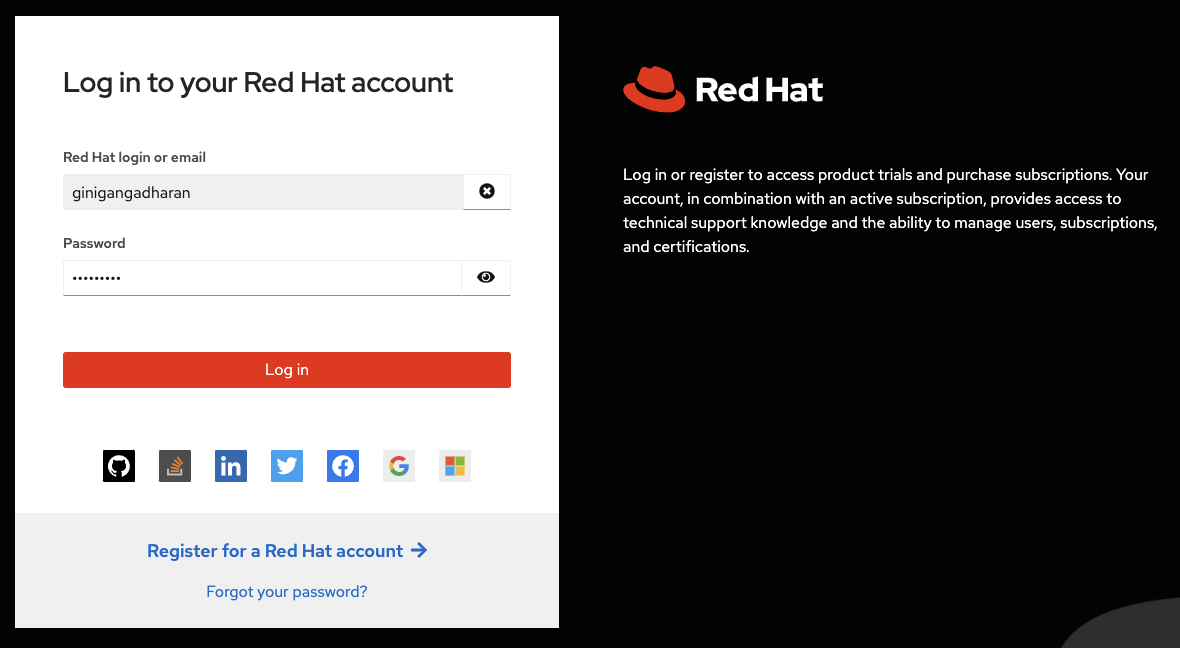
Once activated, login with your Red Hat account
Download RHEL8 for Free
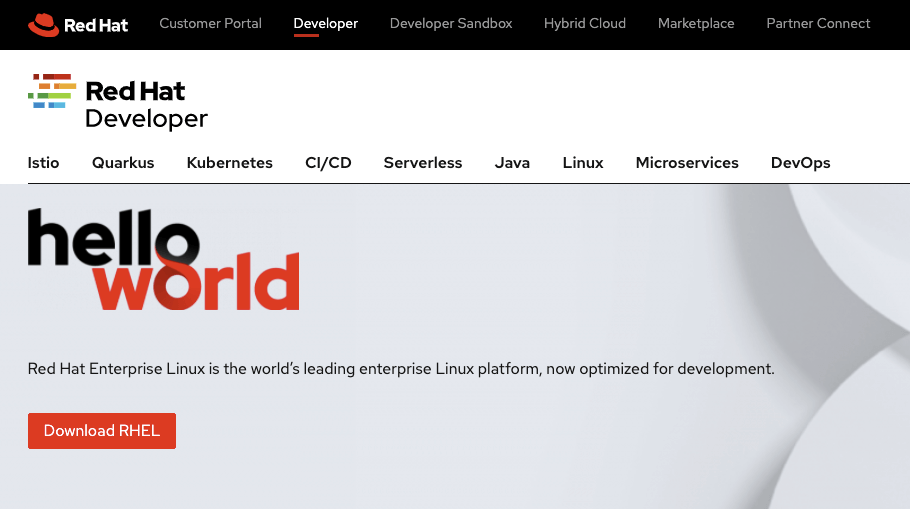
Now goto developers.redhat.com/rhel8 and click on Download RHEL button.
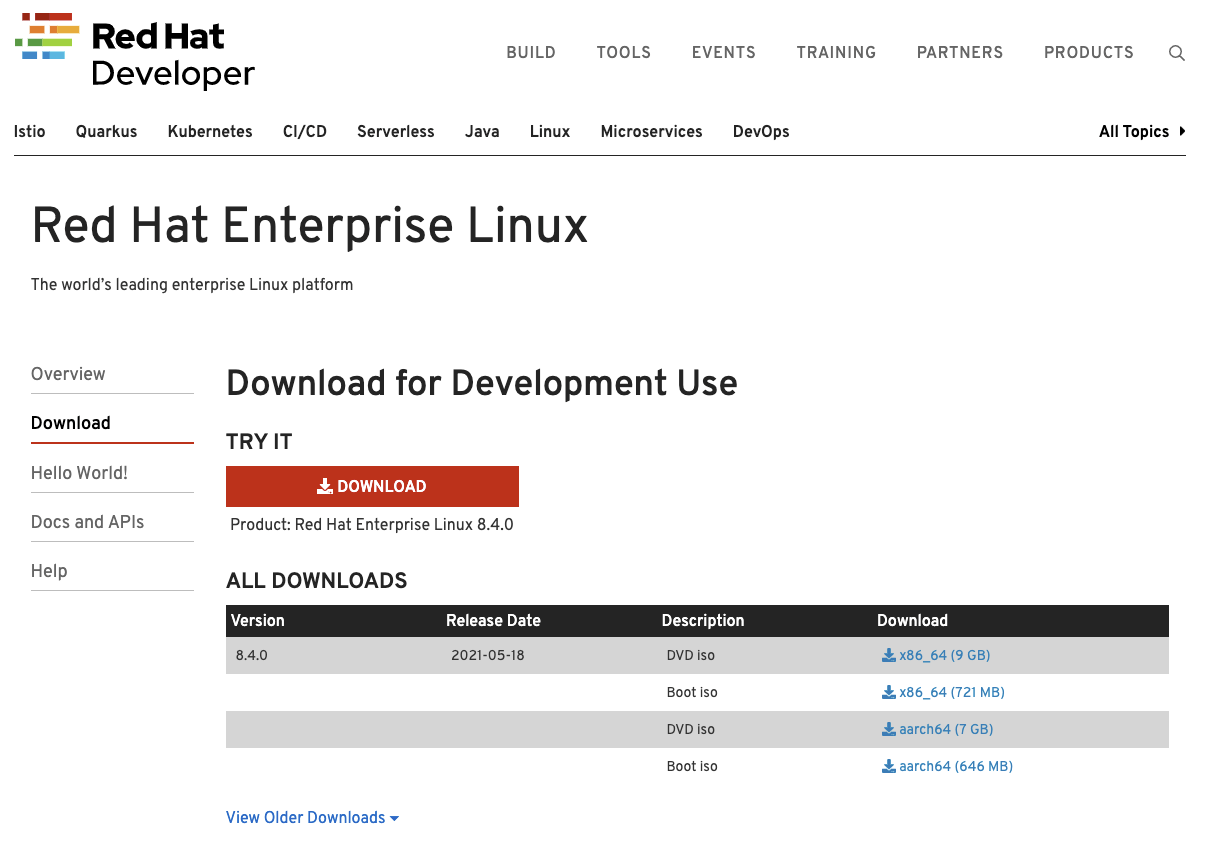
From the download screen, find the required ISO and download it.
How to download old RHEL Versions ?
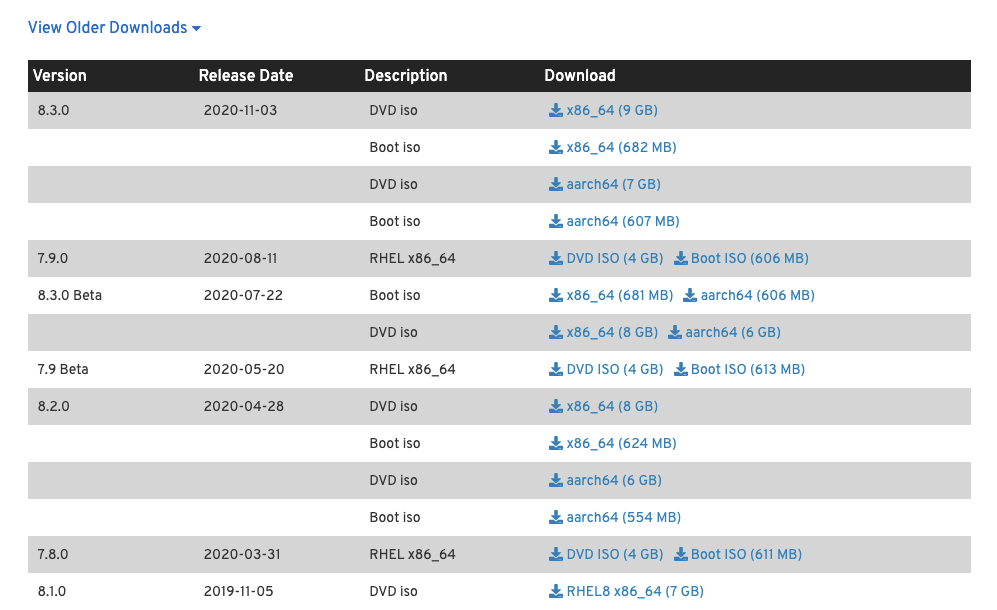
By default the screen will show the latest available RHEL versions only. If you want to download an older version of RHEL (eg: RHEL8.2), then find the View Older Downloads link as below.

Then you will see all available old RHEL versions.
Wrap up
Please remember, No-cost RHEL for small production workloads is coming with no support but you can upgrade to proper subscriptions anytime.

Gineesh Madapparambath
Gineesh Madapparambath is the founder of techbeatly. He is the co-author of The Kubernetes Bible, Second Edition and the author of Ansible for Real Life Automation. He has worked as a Systems Engineer, Automation Specialist, and content author. His primary focus is on Ansible Automation, Containerisation (OpenShift & Kubernetes), and Infrastructure as Code (Terraform). (Read more: iamgini.com)

 Karthik Prabhu