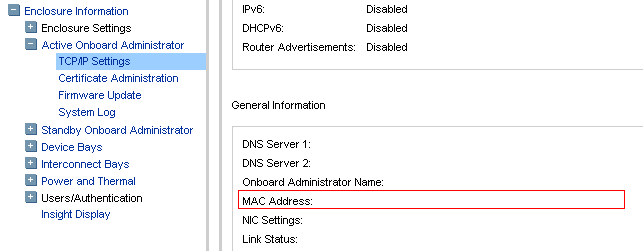
You got a blade server details to work with and you need to find the enclosure name and details, the blade installed in, how ?
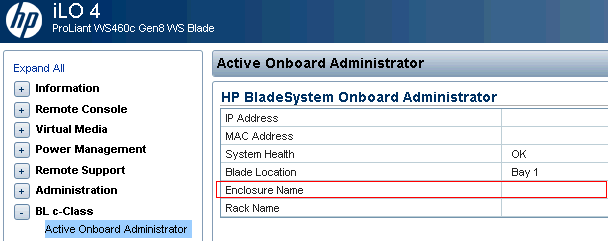
Its so easy. Just login to the blade’s iLO and go to the menu as shown in the screenshot.
Its so easy. Just login to the blade’s iLO and go to the menu as shown in the screenshot.

Gineesh Madapparambath
Gineesh Madapparambath is the founder of techbeatly. He is the co-author of The Kubernetes Bible, Second Edition and the author of Ansible for Real Life Automation. He has worked as a Systems Engineer, Automation Specialist, and content author. His primary focus is on Ansible Automation, Containerisation (OpenShift & Kubernetes), and Infrastructure as Code (Terraform). (Read more: iamgini.com)
Disclaimer: Views expressed in articles are those of the respective authors and do not necessarily reflect the views of their employers or this site. While we aim for accuracy, please verify information before relying on it, and let us know if you spot an error.