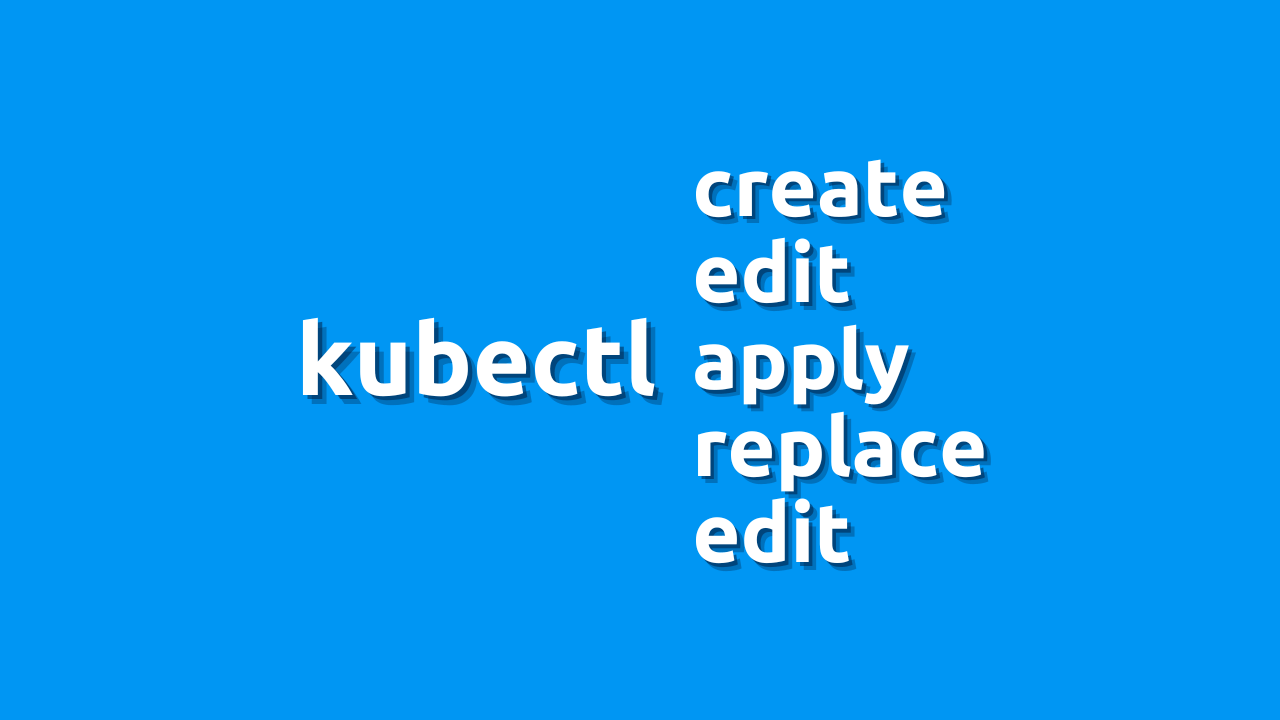
Juggling flaming chainsaws in Kubernetes ? Don’t worry, fellow tech adventurer! While managing resources can feel like that sometimes, the kubectl command is your friendly sensei, teaching you ninja moves to tame those beasts. But with so many commands – create, apply, patch, replace, and edit – choosing the right one can be tricky. Fear not, for this blog will guide you through their strengths and weaknesses in simple, casual language!
The Mighty kubectl create
Think of kubectl create as a sculptor: You give it a blueprint (YAML file), and it crafts a brand-new resource from scratch. Perfect for starting fresh, but be careful – it doesn’t play nice with existing ones, potentially overwriting them with fiery consequences!
The Versatile kubectl apply
Now, kubectl apply is a wise warrior: It checks if your desired resource already exists. If not, it creates it like create. But if it’s already there, it gently updates it based on your instructions, like moulding clay without breaking anything. Super safe and flexible!
The Precise kubectl patch
Want to make tiny, targeted changes? kubectl patch is your ninja friend: It pinpoints specific parts of a resource for surgical updates, like changing just one key-value pair. Imagine it as a brushstroke, leaving the rest untouched. Precise and perfect for fine-tuning!
kubectl replace – Replace the configuration
Similar to apply, but a bit more forceful. kubectl replace updates even if conflicts exist like a bulldozer clearing the way. Use with caution, or things might get messy!
Editing with kubectl edit
kubectl edit opens an editor to directly modify a resource’s code. Think of it as a scalpel – powerful for quick fixes, but one wrong move can cause chaos! You can configure your preferred editor for kubectl if needed.
Choosing Your Weapon
So, which command wins the battle? It depends on your needs:
- Creating something new?
createis your go-to hero. - Updating existing stuff?
applyis your safe and flexible master. - Need pinpoint accuracy?
patchis your ninja assassin. - Forced updates?
replaceis the bulldozer, but tread carefully! - Direct code editing?
editis the scalpel, use it wisely!
Remember: Practice makes perfect! Experiment, explore, and don’t be afraid to get your hands dirty (metaphorically, of course). And always back up your resources before making changes – just in case something goes awry.
Bonus Tip: Always back up your resources before making changes, just in case. Preparation is key in the journey to Kubernetes mastery!

Gineesh Madapparambath
Gineesh Madapparambath is the founder of techbeatly. He is the co-author of The Kubernetes Bible, Second Edition and the author of Ansible for Real Life Automation. He has worked as a Systems Engineer, Automation Specialist, and content author. His primary focus is on Ansible Automation, Containerisation (OpenShift & Kubernetes), and Infrastructure as Code (Terraform). (Read more: iamgini.com)
 Nikhil Kumar