
Introduction
Red Hat Satellite is one of the best system management solutions by which you can deploy, configure, and maintain your systems; it can be physical, virtual, or cloud environments. Satellite is single pane tool for provisioning, remote management and monitoring of multiple Red Hat Enterprise Linux deployments.
Red Hat Satellite Server – Installation Guides
- Red Hat Satellite Server – Connected Installation Method – Part 1 – Prepare Server
- Red Hat Satellite Server – Connected Installation Method – Part 2 – Configure Satellite
- Red Hat Satellite Server – Disconnected Installation Method – Part 1 – Prepare Server
- Red Hat Satellite Server – Disconnected Installation Method – Part 2 – Configure Satellite
Download the subscriptions from the Red Hat portal.
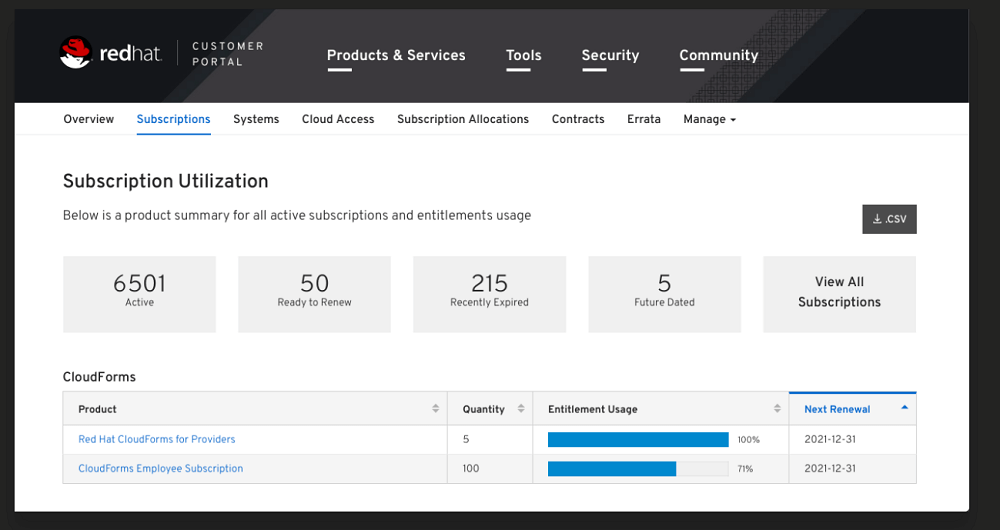
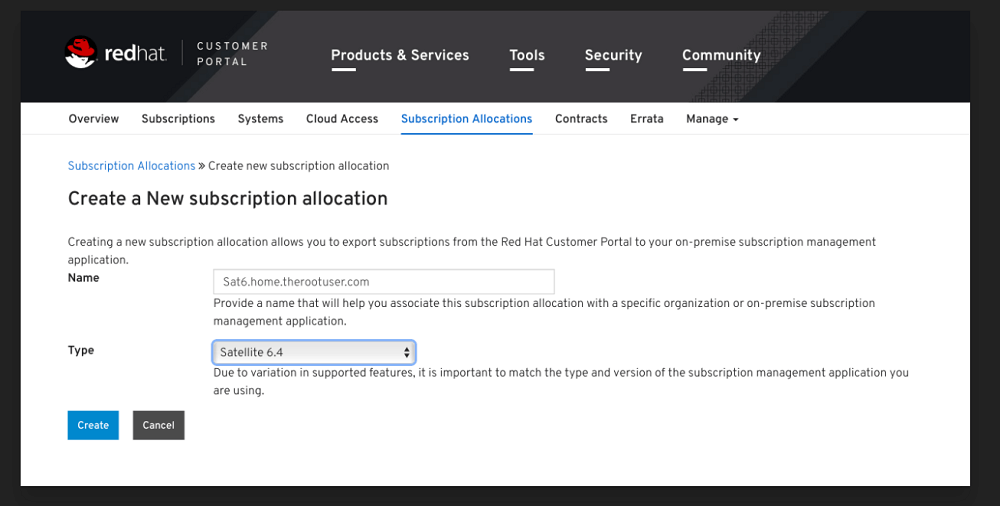
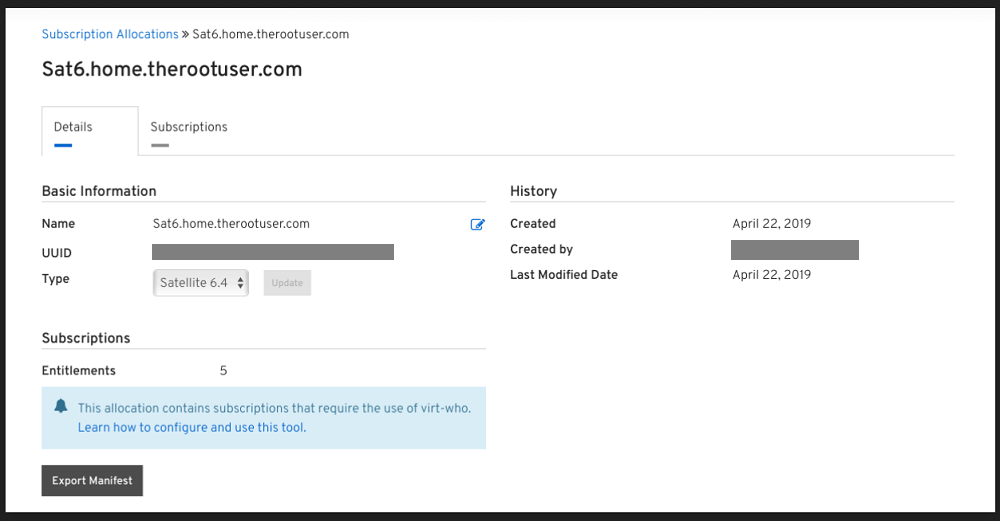
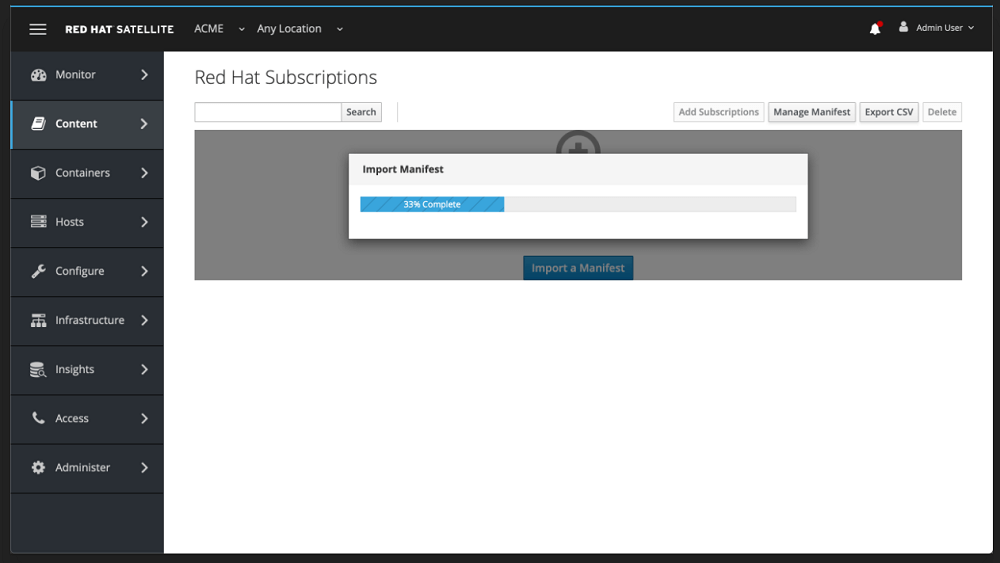
Import the Manifest into Satellite
Open Satellite Server Web Console, Content -> Subscriptions -> Manage Manifest
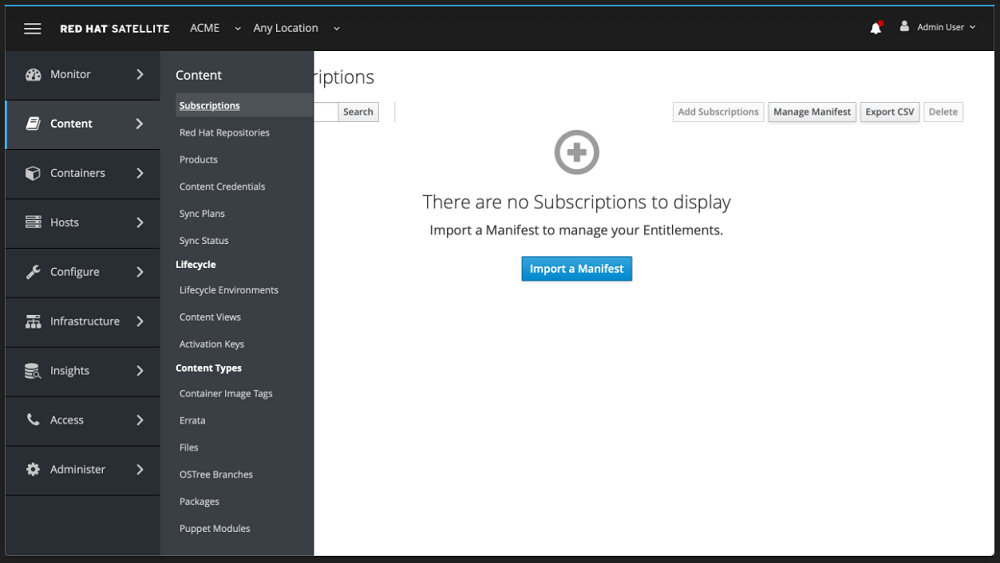
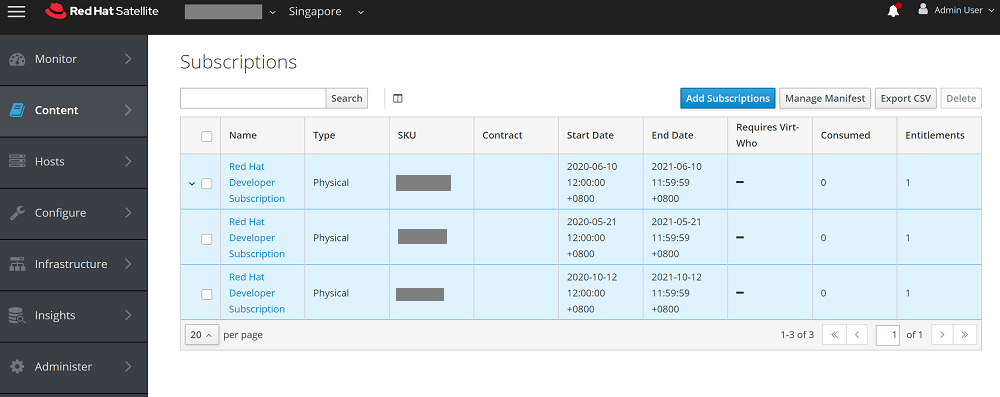
Check List of consumed manifests
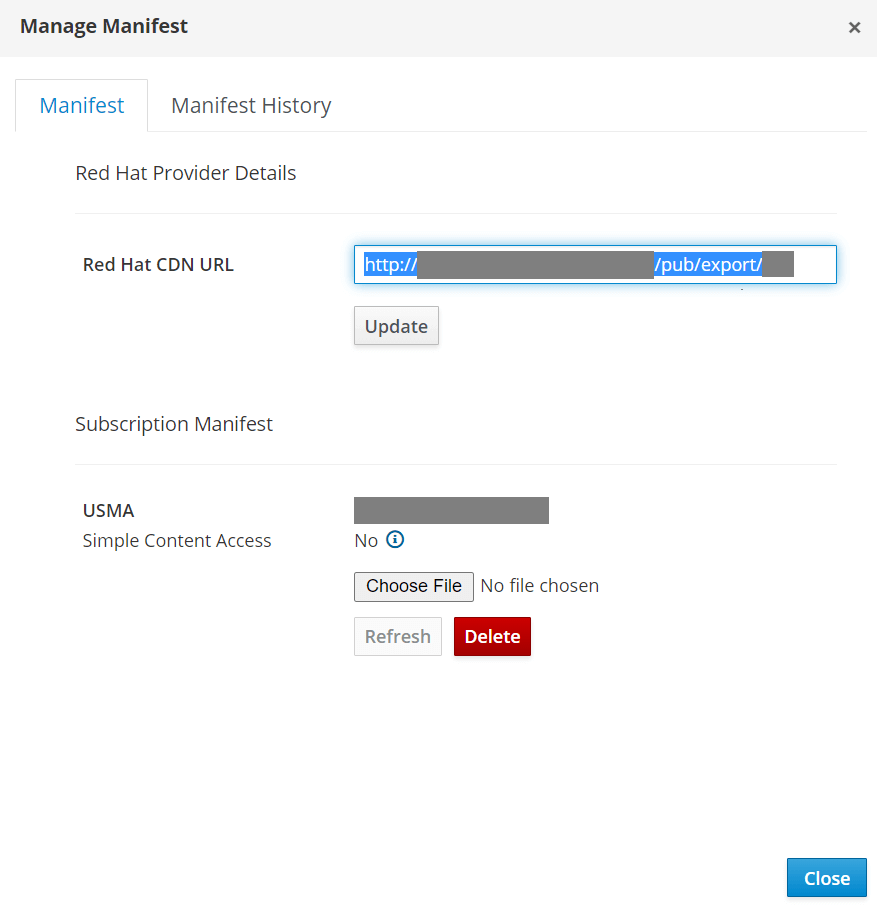
Update Exported URL
Update Exported URL of connected satellite server under Content -> Subscriptions -> Manage Manifest
http://
SATELLITE_SERVER
/pub/export/MYORG-Rhel7-8-v1.0/MYORG/content_views/Rhel7-8/1.0/
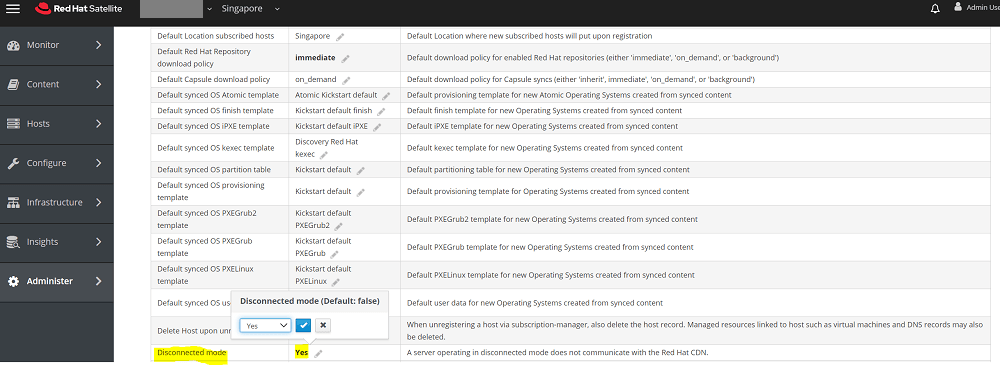
Enabled Disconnected mode
Under Administer -> Setting -> Content
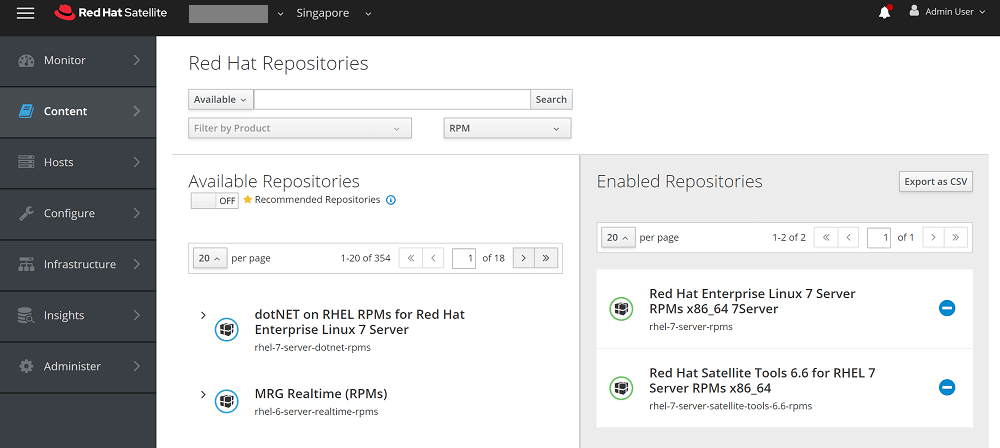
Enable the required repos
Content -> RedHat Repositories
Change the default download policy settings
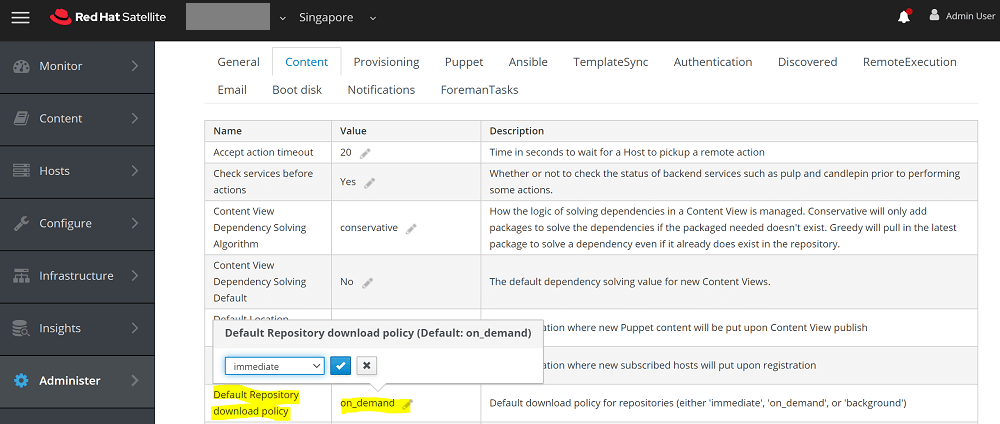
To change default download policy, follow below steps on Red Hat Satellite WebUI.
Administer > Settings > Content > Select "Default Repository download policy" > set "immediate"
To change download policy of already enabled repository through WebUI.
Content > products > select "Product" > select "repository" > select "Download Policy" > choose the policy
To set download policies for all enabled repositories in Red Hat Satellite 6.
- Changing download policy to 'immediate'.
# foreman-rake katello:change_download_policy DOWNLOAD_POLICY=immediate

- Changing download policy to 'on-demand'.
# foreman-rake katello:change_download_policy DOWNLOAD_POLICY=on_demand
Refer How to change download policy of repositories in Red Hat Satellite 6 ? for more details.
Synchronize the Repo
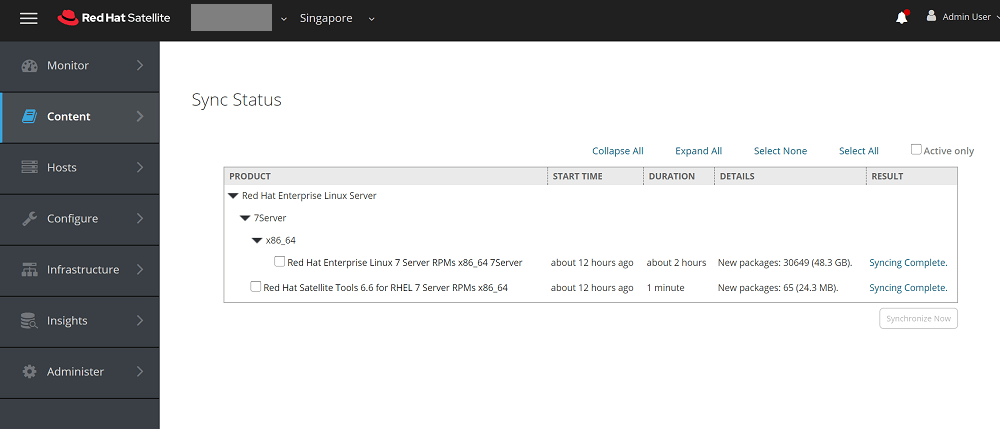
Make sure all the repos enabled are synced without any errors. Content -> Sync Status
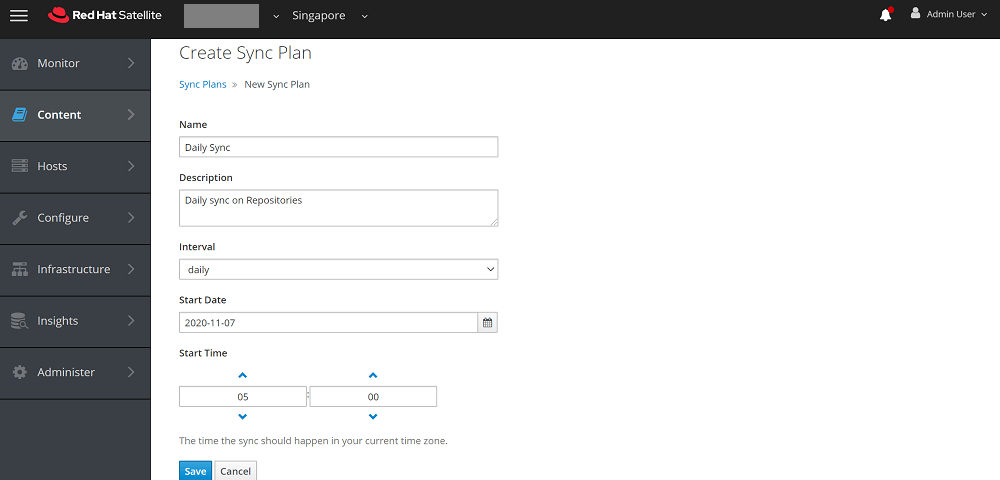
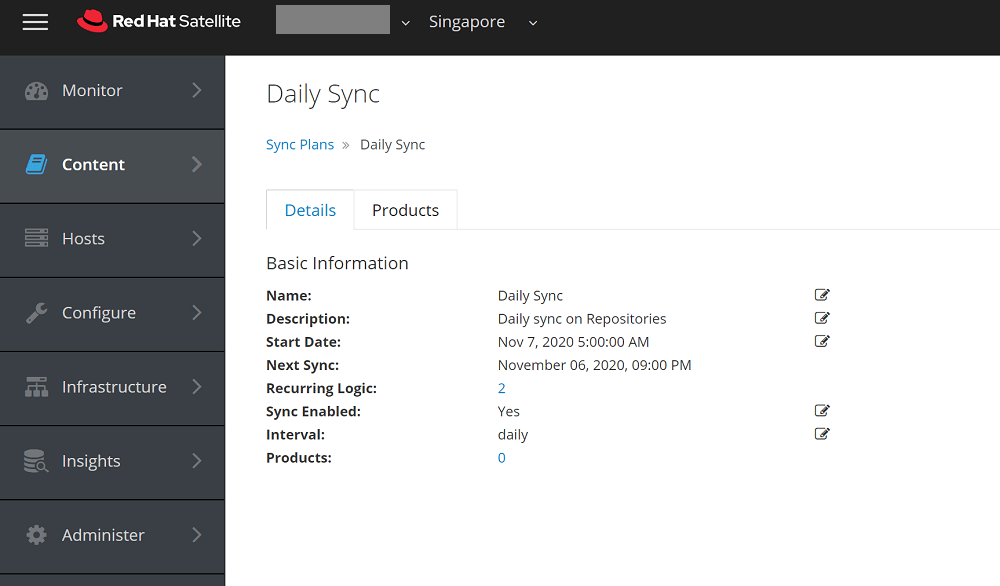
Setting up a daily sync plan if applicable
Content -> Sync Plans > Create Sync Plan
Create Content View
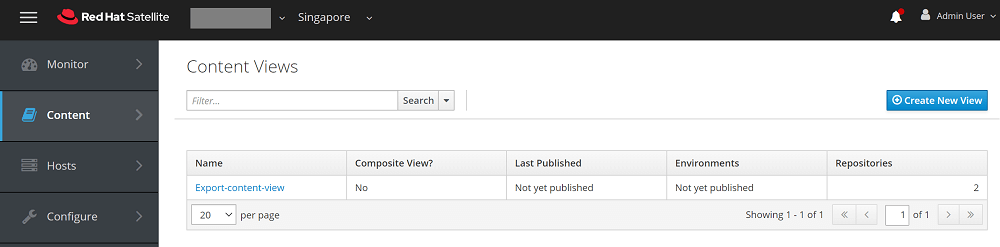
Create a content view and enable the repositories inside content view. Content -> Content Views
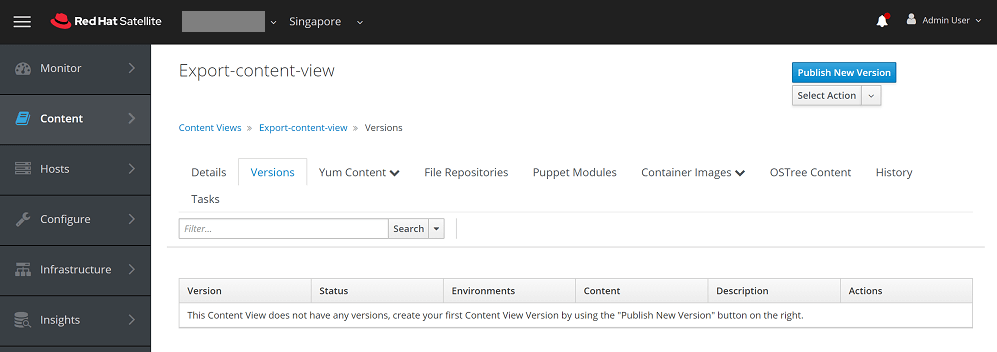
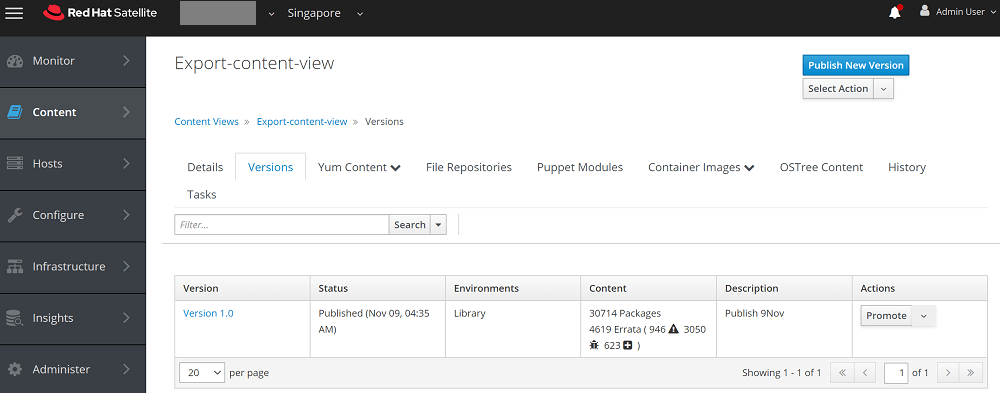
Publish Content View
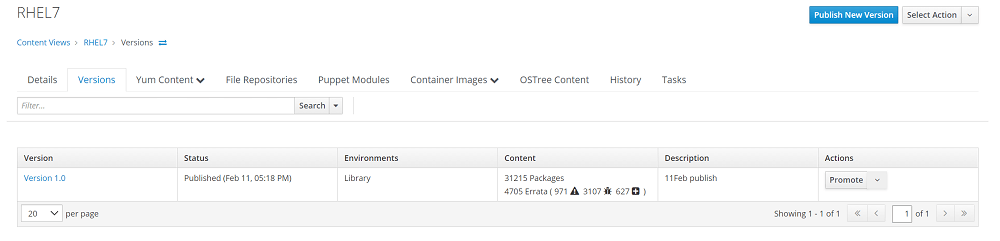
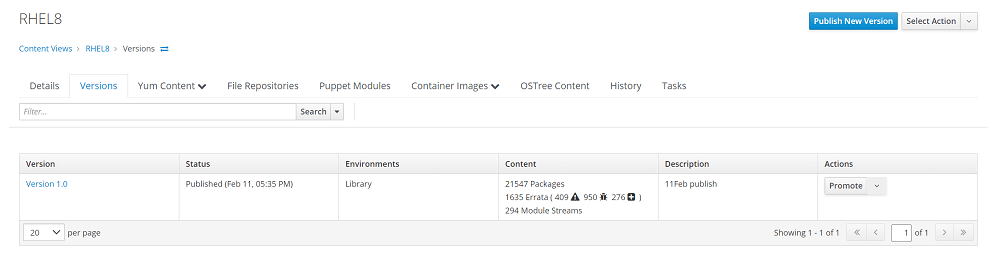
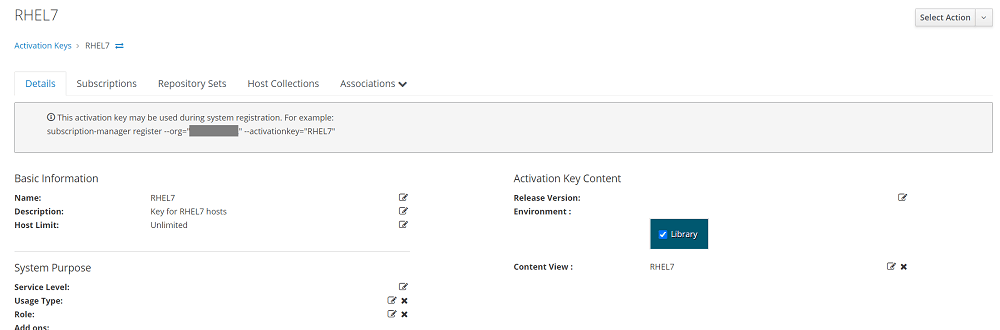
Create Activation keys
Segregate based on OS version contents. Content -> Activation Keys -> Create Activation Key


Karthik Prabhu
Karthik has worked as Systems Engineer and Specialist in Red Hat technologies (Ansible, Red Hat Satellite, OpenShift), SIEM, Middleware, IAM, Virtualization and Cloud.

 Gineesh Madapparambath


 Shibin John