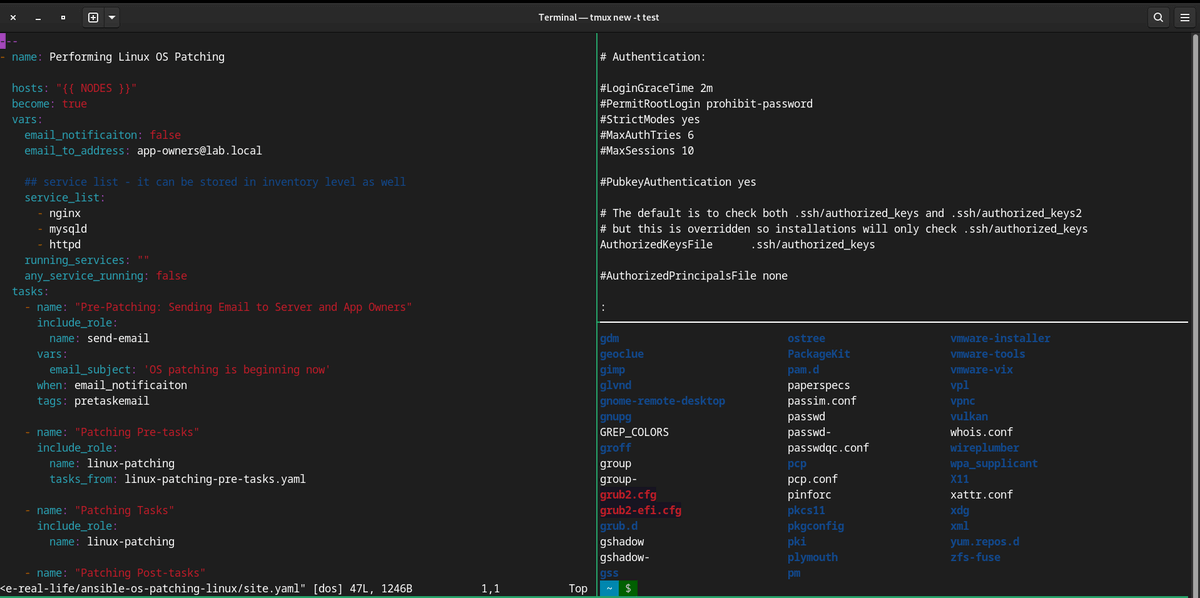
$ tmux -V                     # show version
$ tmux                        # start tmux
$ tmux new -s test            # start a named session

Ctrl + B ?                    # display help
Ctrl + B C                    # create new window
Ctrl + B ,                    # rename window
Ctrl + B W                    # List of windows to select
Ctrl + B N                    # switch to next window
Ctrl + B P                    # switch to previous window
Ctrl + B 0-9                  # switch to previous window
Ctrl + B X                    # close window

Ctrl + B D                    # detach a session
Ctrl + B S                    # list tmux sessions
Ctrl + B $                    # rename tmux session
$ tmux ls                     # list tmux sessions
$ tmux attach-session -t test
                              # attach an existing session


Ctrl + B "                    # split screen horizontally"
Ctrl + B %                    # split screen vertically
Ctrl + B and Up, Down, Left, or Right Arrow
                              # move between splitted screens
Ctrl + B Q                    # flash the screen number

Ctrl-b + [                    # use your normal navigation keys to scroll around (eg. Up Arrow or PgDn).
                              # Press q to quit scroll mode.

$ tmux kill-server            # reset tmux
Disclaimer: Views expressed in articles are those of the respective authors and do not necessarily reflect the views of their employers or this site. While we aim for accuracy, please verify information before relying on it, and let us know if you spot an error.